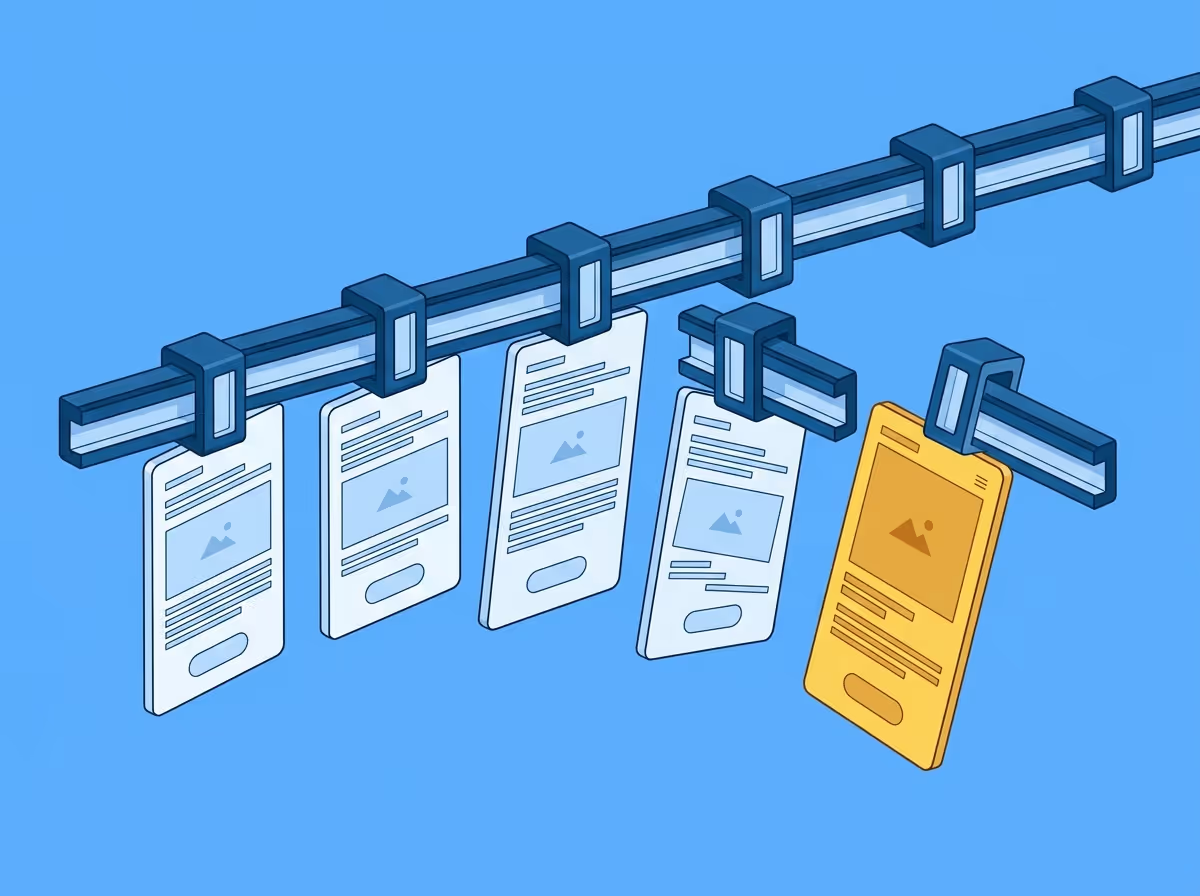
Frontend implementations drift from Figma designs for predictable, structural reasons. The process of moving from a design file to a running webpage involves multiple translation steps, each of which introduces potential for divergence. Developers are focused on many things at once and are poorly positioned to spot visual deviations in their own work. Designs change after handoff without always reaching the developer. And manual visual review is unreliable for catching the small differences that accumulate into something that feels off without being obviously wrong.
Understanding why drift happens is the first step to catching it earlier.
Moving from a Figma design to a running webpage involves multiple translation steps. A designer works in absolute values: this element is 48px tall, this gap is 16px, this typeface is Inter at weight 500. A developer translates those values into CSS, which then interacts with a browser rendering engine, a stylesheet cascade, inherited properties, and responsive breakpoints.
A value that was correctly typed into a stylesheet can behave differently than intended once it interacts with its context.
When a developer is building a feature, visual fidelity is one concern among many. They're thinking about state management, API responses, edge cases, performance, accessibility, browser compatibility. The implementation has to work correctly before it can look correct.
The person who built something is the least well-positioned to spot where it diverges from a reference. They see what they intended to build, not what they actually built.
Designs change during development. A designer refines a component after the initial handoff. A stakeholder requests a layout adjustment. The Figma file gets updated, but the developer who already implemented the original version may not be notified, or may not have time to revisit something they considered done.
By the time the implementation is reviewed, the reference it was built against may no longer be the current design. Drift accumulates not just from translation errors but from the gap between when something was built and when it was reviewed.
The standard way to check whether an implementation reflects a design is to open both side by side and look. This works well enough for obvious differences. It struggles with anything subtle.
A spacing value that is 14px instead of 16px is not something most people notice at a glance. A font weight of 400 instead of 500 is easy to miss unless you're specifically looking for it. Letter spacing differences are almost invisible to the eye but measurable in pixels. These small differences compound across a page. Individually they're minor. Together they produce something that feels slightly off without anyone being able to say exactly why.
Drift is the predictable result of a process that involves multiple translation steps and competing priorities — not a sign that something went wrong.
The question isn't whether drift happens. It's how much accumulates before anyone looks, and how much effort it takes to close the gap once they do.
Catching drift early, when it's small and the context is fresh, costs a fraction of what it costs to catch it at review, in staging, or after release. The later it's found, the more it's baked into the implementation, the more people have context-switched away from it, and the more likely it is to be deprioritised in favour of whatever is next.
Free to start. No credit card. See your first comparison in under a minute.

The fastest way to see how your implementation compares to the design. No screenshots, no guessing
Compare
© 2026 · Built by UIPROBE

