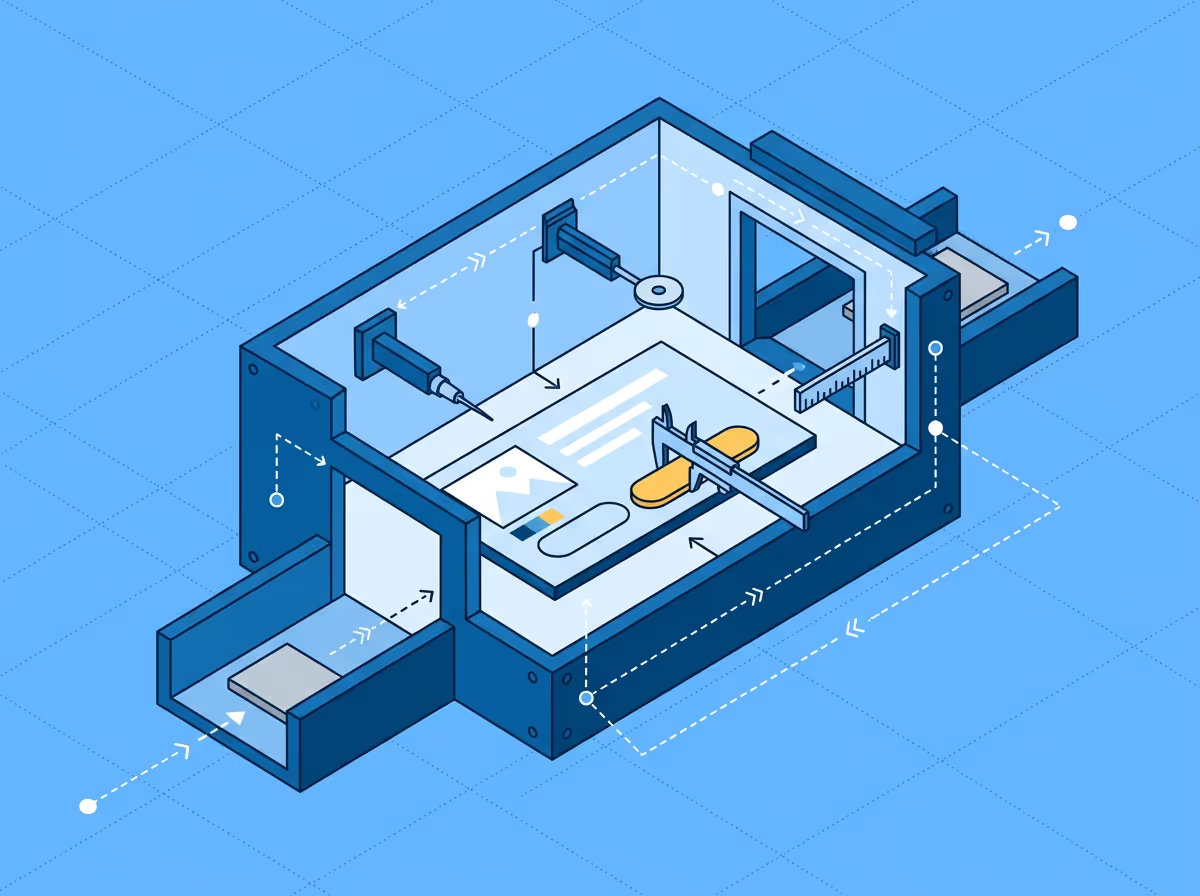
Automated design QA is the process of comparing a live web page against its Figma design at the property level, without manual inspection. Instead of overlaying images and scanning for differences by eye, automated design QA tools read the actual CSS values from the browser and the design properties from Figma, then compare them element by element. The output is a list of specific findings: which element diverged, which property, what the design specified, and what the page actually rendered. Typography, spacing, colors, and sizing are checked automatically. This is different from visual regression testing, which compares builds against each other rather than against the original design.
Design QA has always been part of frontend development. What is new is automating the comparison step. Until recently, the options were manual overlay tools (PerfectPixel, Pixelay) that require visual scanning, or enterprise visual regression platforms (Percy, Applitools) that compare screenshots between builds. Neither actually compares the live implementation against the Figma design at the property level.
Manual overlay tools show you the design stacked on top of the page. You adjust opacity, look carefully, and try to spot what is off. When you find something, you still need to open DevTools, inspect the element, identify the wrong property, and compare it against the Figma spec. The overlay tells you something looks different. It does not tell you what the difference is.
Visual regression tools solve a different problem entirely. They screenshot every build and diff against a previous baseline. They catch unintended changes between deployments. But if a developer implements a component with wrong spacing from the start, the regression tool accepts it as the baseline and never flags it. Regression testing answers "did it change?" not "does it reflect the design?"
Automated design QA fills the gap between these two approaches. It answers the question manual overlays cannot: what specifically is wrong, and by how much?
Overlay tools show you that something is off. Regression tools show you that something changed. Automated design QA tells you exactly what diverged from the design and by how much.
The process has three steps. First, the tool reads design data from the Figma frame: typography values, colors, spacing, and element dimensions. Second, it reads the rendered CSS values from the live page. Third, it maps elements between the two sources and compares their properties.
The comparison is deterministic. A font size is either 16px or it is not. A padding value is either 12px or it is not. There is no subjective judgment, no confidence score, no "this might be wrong." Each finding states the expected value from Figma and the actual value from the browser.
This is fundamentally different from pixel-based comparison. Pixel diffs produce a heatmap showing which areas of two images are different. The heatmap cannot tell you whether the difference is a wrong font, incorrect spacing, or a color mismatch. You still need to inspect manually. Property-level comparison skips the image entirely and works directly with the underlying values.
The properties checked fall into four main categories.
Typography. Font family, font size, font weight, line height, letter spacing, and text casing. These are the most common source of design drift because Figma and CSS express text properties differently. A Figma weight of "Medium" may or may not map to CSS 500 depending on the font family. Line height in Figma can be pixels, percentages, or "Auto," while CSS computes it as a unitless ratio or pixel value.
Colors. Fill colors, text colors, border colors, and opacity. The comparison uses computed values from the browser rather than stylesheet declarations, which means inherited colors and opacity interactions are reflected accurately.
Spacing. Padding within elements, margins between elements, and gap values in flex and grid layouts. Spacing is the category where manual checking is least reliable because small deviations (4px, 8px) are invisible at normal zoom but compound across a page.
Sizing. Element width and height, compared against the Figma frame dimensions. This accounts for CSS box-sizing behavior, where border-box and content-box produce different results from the same stylesheet value.
Overlay comparison and automated design QA both start from the same premise: compare the design against the implementation. The difference is in what they ask you to do after that.
With an overlay tool, you see two layers stacked. Spotting differences is your job. You scan the page visually, and whatever you notice gets flagged. Whatever you miss stays in the implementation. The quality of the review depends on how carefully you look, how fatigued you are, and whether the deviations are large enough to see at overlay zoom. A 4px spacing difference, a font weight that is one step lighter, a border color that is one shade off: these are real implementation errors that overlays routinely miss.
With automated design QA, the tool does the spotting. Every measurable property is compared, and every deviation is surfaced with specific values. The review quality does not depend on your eyes. You get the same findings whether you run it on Monday morning or Friday afternoon.
The question is not whether you can see the difference. It is whether you should have to.
Visual regression tools (Percy, Chromatic, Applitools) are build-to-build comparison tools. They take a screenshot of the current build, compare it against the last approved screenshot, and flag areas that changed. This is valuable for catching unintended side effects of code changes.
But regression testing has no concept of a design source. It does not know what the page is supposed to look like, only what it looked like last time. If the first implementation drifted from the design, the regression tool locks that drift in as the approved baseline. Every subsequent build is compared against the wrong reference.
Automated design QA uses the Figma design as the reference, not a previous build. This means it catches the initial drift that regression tools accept as correct. The two approaches are complementary: automated design QA verifies the implementation against the design, regression testing protects it against unintended changes afterward.
The most natural point is before code review or design sign-off. Running an automated comparison before submitting for review catches property-level deviations while the code is still open and the context is fresh. The developer sees exactly what diverged and can fix it in minutes rather than receiving it as review feedback later.
For QA engineers, automated design QA provides a structured, repeatable review process. Instead of scanning pages visually and documenting deviations by hand, the tool produces a list of specific findings that can be verified, tracked, and compared across probe runs.
For designers, it reduces the back-and-forth. When a developer submits work that has already been checked against the design at the property level, the review becomes a conversation about design decisions rather than a list of implementation errors.
Uiprobe is built around this workflow. It reads properties from a Figma frame URL and the live page, surfaces every deviation with expected and actual values, and includes overlay, split, and diff views with automatic alignment for visual context. Free tier with 10 comparisons per month; Pro at $15/month.
No. Visual testing typically refers to screenshot-based regression testing (comparing builds against each other). Automated design QA compares the implementation against the original Figma design at the property level. They answer different questions and are used at different stages of the workflow.
It replaces the manual property-checking step. Responsive behavior, interactive states, and content accuracy still benefit from a manual pass. The practical workflow is to run the automated comparison first to catch measurable deviations, then review the things tools are less reliable at by hand.
Yes. Because the comparison is property-level, it catches deviations from design tokens (colors, spacing scales, typography values) the same way it catches any other property difference. If the implementation uses a hardcoded value instead of the correct token, and those values diverge after a token update, the next comparison will surface it.
Yes, if you want to protect against unintended visual changes between builds. Automated design QA and visual regression testing cover different risks. Design QA catches drift from the design. Regression testing catches drift between builds. Most teams benefit from both.
Free to start. No credit card. See your first comparison in under a minute.

The fastest way to see how your implementation compares to the design. No screenshots, no guessing
Compare
© 2026 · Built by UIPROBE

