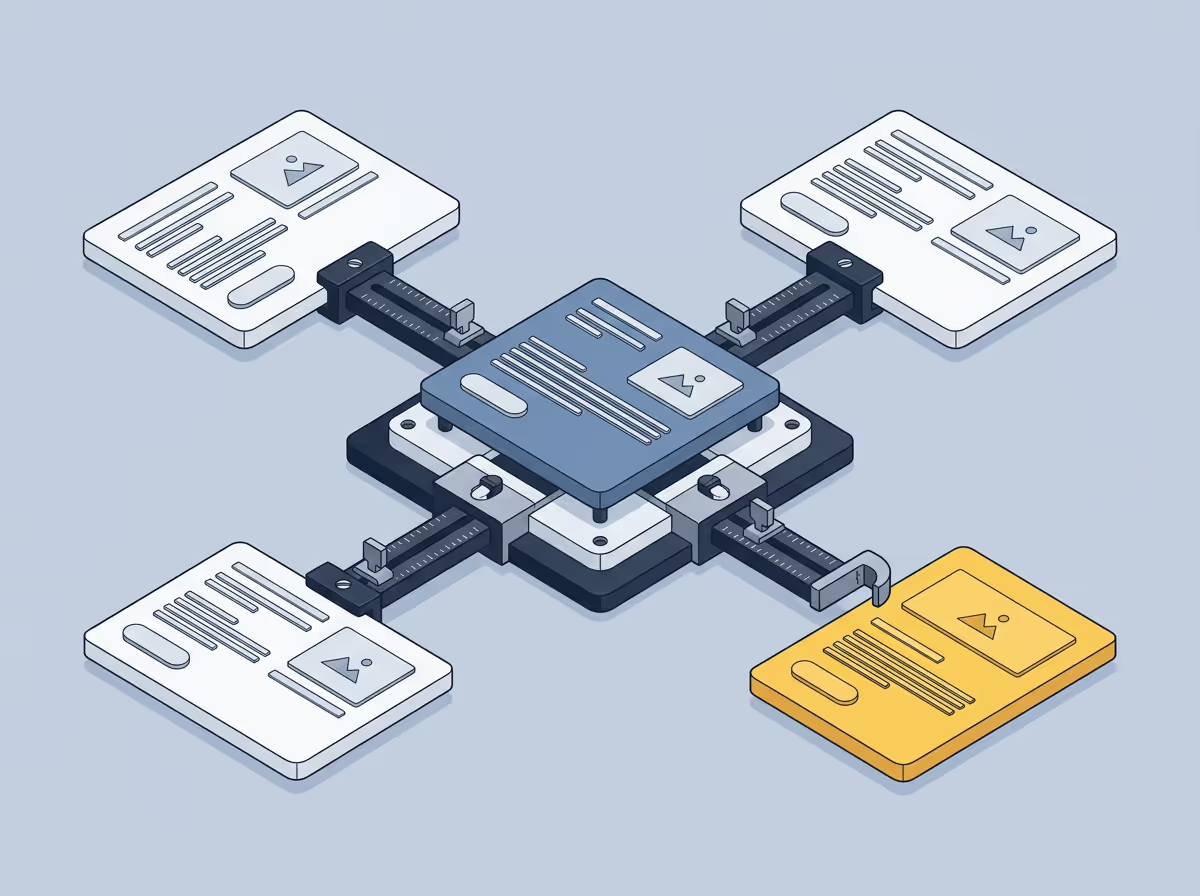
Using Figma as a benchmark means treating the design file as the standard against which the rendered implementation is measured, not just a source of values to consult during development. Most teams use Figma as a reference: the developer opens it to check a value, then moves on. The benchmark relationship is different. It means comparing the rendered output against the design after the fact, with the file serving as the objective measure of whether the implementation is correct.
The distinction sounds small. In practice it changes how visual quality is defined and who is responsible for it.
When Figma is only a reference, visual accuracy is largely subjective. A developer implements something, it looks close enough, the designer checks it against their memory of the design and either accepts it or requests changes. There is no shared, objective measure of what "correct" looks like.
When Figma is the benchmark, the design file itself becomes the measure. Any deviation from it is detectable and describable: this spacing value is 14px, the design specifies 16px. This font weight is 400, the design specifies 500. The conversation shifts from "does this look right to you?" to "does this reflect what the design says?"
Raising a visual concern becomes less about personal preference and more about a verifiable difference from the agreed design.
Using Figma as a benchmark requires comparing the rendered output against the design in a systematic way, not just consulting the file when a value is in question. That kind of comparison is tedious to do manually. Opening both side by side, working through each element, checking values against what the file specifies. It takes time that most developers do not have in a typical implementation cycle.
The result is that Figma gets consulted during development but not used to verify the output afterward. The reference relationship is easy. The benchmark relationship is not, unless the comparison can be made faster and more reliable than doing it by eye.
In a typical handoff, a designer hands off a Figma file and a developer implements from it. Whether the implementation reflects the design is determined by whoever reviews it, using their judgment about what looks close enough.
In a handoff where Figma is used as a benchmark, the same file becomes the input to a comparison that runs against the rendered implementation. The output is a list of specific differences between the design and what was built, not a judgment about whether something looks right. Typography, spacing, colour, size. Each one traceable back to a value in the file.
The file is the truth. The implementation either reflects it or it does not.
Free to start. No credit card. See your first comparison in under a minute.

The fastest way to see how your implementation compares to the design. No screenshots, no guessing
Compare
© 2026 · Built by UIPROBE

