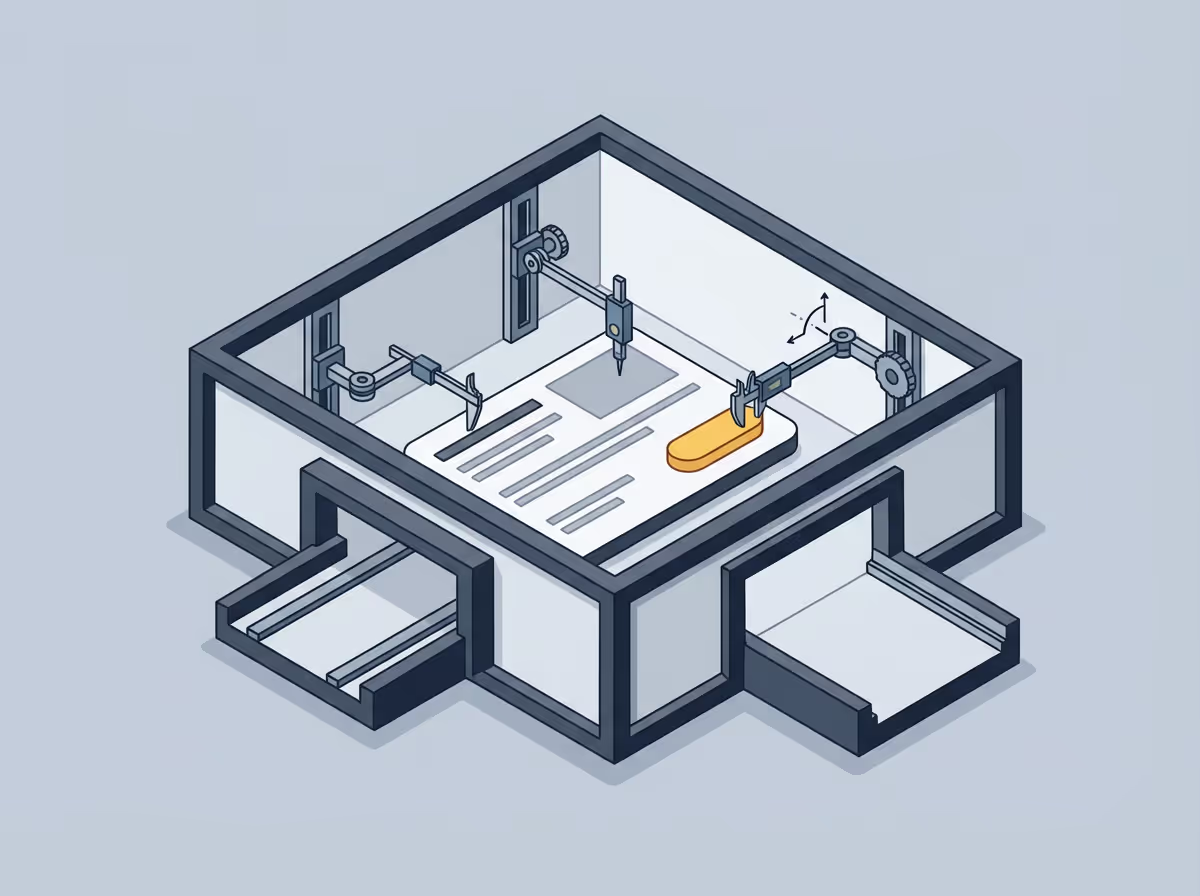
Verifying visual accuracy before code review means comparing a rendered implementation against the Figma design before marking anything ready for review. It catches differences in typography, spacing, colour, and component dimensions while the code is still open and context is fresh, rather than waiting for a designer or QA reviewer to flag them after the fact. The fix at that stage takes minutes. The same fix after review and merge takes significantly longer.
Verifying before review is not about being perfectionist. It is about catching the cheap problems while they are still cheap.
The later a visual issue is found, the more it costs to fix. Not because the fix itself is harder, but because of everything that surrounds it. Context has been lost. The developer has moved on. The fix requires a new branch, a new review, and another round of the same process. Meanwhile the designer who flagged it has to wait, and the feedback loop that was supposed to take hours stretches into days.
Visual review that happens during development short-circuits this entirely. The context is fresh, the code is open, and the fix takes minutes.
Most visual drift falls into a small number of categories. Checking these systematically covers the majority of what a designer or QA reviewer will catch later.
Typography is where a lot of drift hides. Font size and font weight are the most common offenders. A weight of 400 instead of 500 is easy to implement incorrectly and hard to spot by eye. Line height and letter spacing drift often go unnoticed until something looks slightly crowded or loose without a clear reason.
Spacing between elements is the other major source of drift. Padding differences are particularly tricky because they affect element size rather than showing up as a gap. An element that should be 48px tall ends up at 44px because the padding is 10px instead of 12px on each side.
Colour is less common as a source of drift but more visible when it occurs. The most typical case is a slightly wrong shade, often from pulling a value from memory or a nearby token rather than the exact Figma reference.
Component dimensions matter particularly for anything interactive. Buttons, inputs, and cards that are a few pixels off from the design compound visually when repeated across a page.
The human eye is not calibrated. Small differences in spacing, weight, or size are genuinely hard to perceive without a reference measurement. The person who built something is also the least well-positioned to spot where it diverges from the reference. The brain fills in based on what it expects to see, not what is actually there.
Using a tool that compares the rendered output against the Figma design removes the calibration problem entirely.
Uiprobe does this by reading the Figma design properties and the rendered CSS values from the live page, then surfacing the specific differences in typography, spacing, color, and sizing at the element level.
The developers who get the most out of visual verification tend to approach it as preparation rather than inspection. The goal is not to find out whether something is wrong. It is to arrive at review knowing where things stand, with the confidence that comes from having actually checked.
That changes what the review is for. It becomes a place to discuss decisions, not to discover problems that could have been caught earlier.
Free to start. No credit card. See your first comparison in under a minute.

The fastest way to see how your implementation compares to the design. No screenshots, no guessing
Compare
© 2026 · Built by UIPROBE

